
8BitDo Ultimate 2: Controller Upgrade That Actually Matters

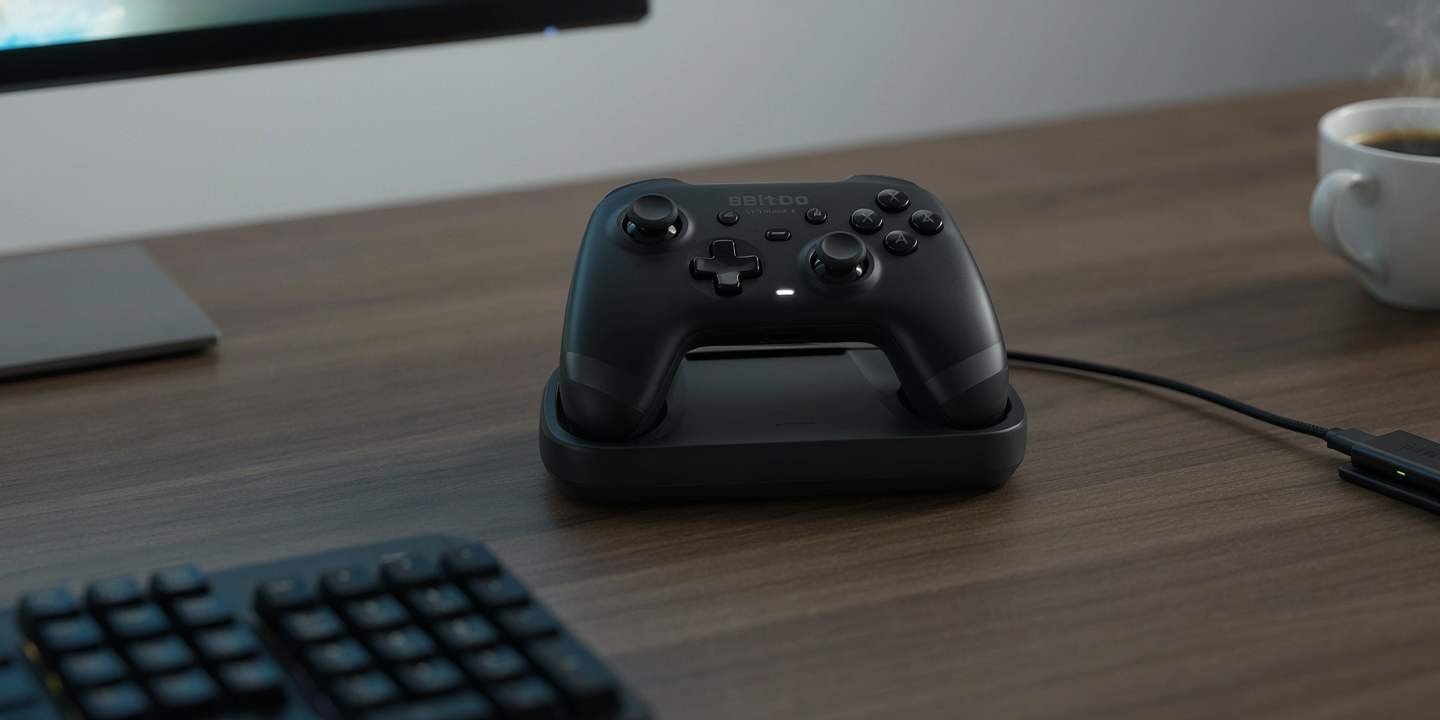
A controller can have a ridiculous feature sheet and still feel ordinary. The 8BitDo Ultimate 2 avoids that problem because several of its upgrades affect the parts you touch constantly: the sticks, triggers, bumpers, rear controls, and connection system.
The official 8BitDo specification lists TMR joysticks, Hall Effect triggers, 1000Hz polling over 2.4 G and wired connections, 6-axis motion control, extra remappable bumpers, two back paddles, and the company’s 8Speed wireless technology.
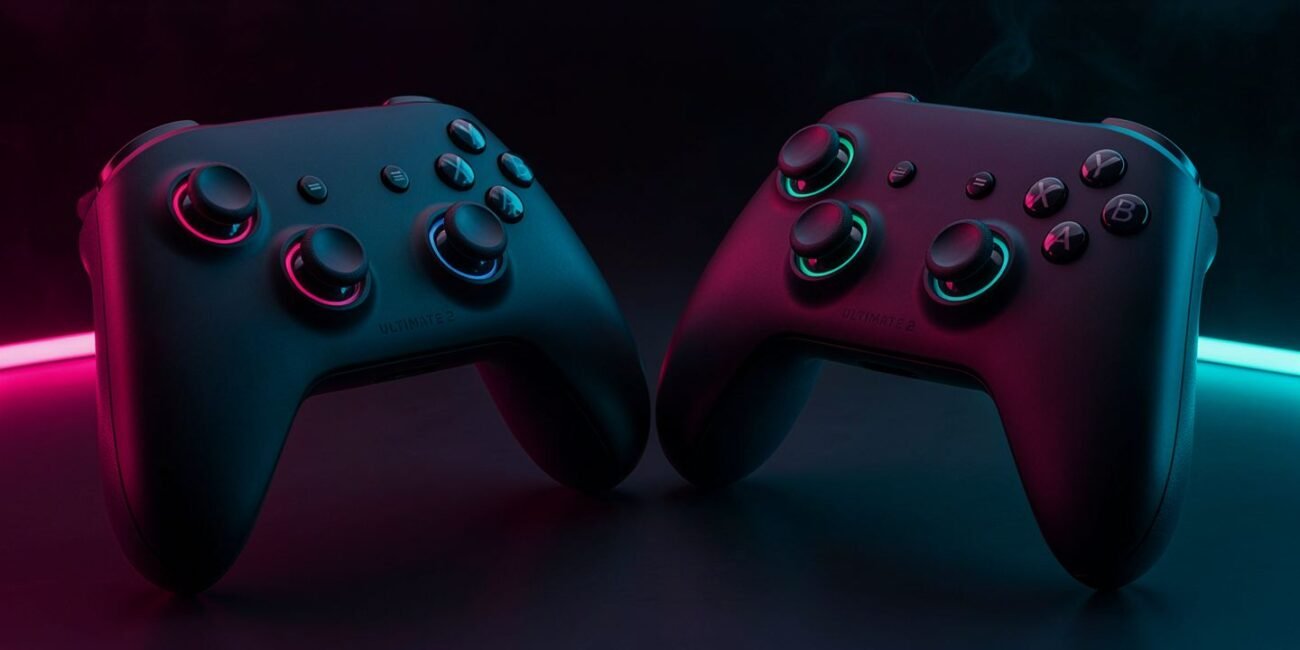
That is why I would look at the 8BitDo Ultimate 2 as a performance-focused PC controller first, rather than buying it because it has RGB lighting.
Sticks Are The Feature I Would Pay Attention To
TMR joysticks are the most meaningful hardware change here. 8BitDo says they provide higher sensitivity, greater precision, and greater durability, while using a 12-bit ADC sampling chip.
For a racing game, precise stick movement can matter during small steering corrections. In a shooter, consistent analogue movement matters when you are adjusting aim or strafing. Those are practical differences, unlike lighting effects, which mostly change the controller’s look.
1000Hz Polling Is Useful, But Only In The Right Context
The Ultimate 2 supports a 1000Hz polling rate over 2.4G and wired connections according to 8BitDo. The company also claims 8Speed can reach latency as low as 1ms in ideal lab conditions.
Do not read that as a guarantee that every game will suddenly feel dramatically faster. Your game, operating system, connection, display, and other hardware all matter. Still, low-latency input is a worthwhile feature for competitive PC play.
Extra Controls Are More Useful Than RGB
The Ultimate 2 adds R4 and L4 fast bumpers plus two back paddle buttons. Those controls can reduce the need to move your thumbs away from the sticks.
That is valuable in games with frequent simultaneous actions. You can map a jump, reload, dodge, sprint, or another function to a rear control and keep your main fingers where they matter.
8BitDo’s Ultimate Software V2 lets you remap buttons, adjust stick and trigger behavior, change vibration, configure RGB, create macros, and maintain profiles. citeturn0search3
Trigger Modes Give You Two Different Controller Personalities
The controller has Hall Effect triggers and lets you switch between linear Hall Effect triggers and non-linear tactile triggers.
Linear triggers make sense when you want smooth analog control. A racing game is the obvious example because gradual throttle and brake input can be useful. Tactile triggers make more sense when you want a sharper button-like response.
That is a more interesting feature than another decorative lighting preset because it changes how the controller behaves.
Compatibility Is Strong, But Read The Fine Print
The official wireless model supports Windows 10 and above, Android 13 and above, SteamOS 3.7.13 or above, and Apple’s current supported operating systems listed by 8BitDo. Its 2.4G wireless connection is for Windows, while the wired connection works on Windows, and Bluetooth is used for Android and Apple devices.
If you want a controller for a specific console, check the exact Ultimate 2 variant before ordering. The wireless and Bluetooth versions are not identical products.
Charging Dock Is A Small Feature You Will Notice Every Day
The integrated charging dock is easy to overlook in a specification table. In practice, it solves a common controller problem: the controller is always somewhere, and the cable is never where you left it.
8BitDo says the dock keeps the controller charged and reconnects it when removed.
That makes the Ultimate 2 feel more like a permanent desk accessory than a controller you have to maintain manually.
Calibration And Firmware Should Be Part Of Setup
If the sticks or triggers feel wrong, do not immediately assume the controller is defective. 8BitDo provides calibration instructions through its support material. The Ultimate 2 FAQ describes a button combination for entering calibration mode and also documents a zero-dead-zone mode.
Firmware updates matter too. 8BitDo’s support pages publish firmware information and update tools for the Ultimate 2 family.
For a new controller, spend ten minutes updating and calibrating it before deciding how it feels.
Who Should Buy The Ultimate 2
The 8BitDo Ultimate 2 makes the most sense for a PC player who wants precise analogue controls, extra buttons, low-latency wireless, and deep customisation without moving into a much more specialised controller class.
It is especially attractive for racing, action, and shooter games, and for games where remapping controls improves comfort. It is less compelling if you rarely use controllers or already own a high-end gamepad that you genuinely prefer.
Pair It With The Rest Of Your Setup
A controller this configurable works best when the rest of your setup is comfortable. Choosing gaming accessories that are actually useful is a better approach than buying every RGB accessory you can find.
For demanding PC games, optimising your PC for smoother gaming can also help ensure the controller is not the only responsive part of the setup.
And for retro players, setting up a retro gaming controller can make older games feel much more natural on a contemporary display.
Quick Checklist
- Choose the correct Ultimate 2 variant for your platform.
- Update firmware before judging performance.
- Calibrate sticks and triggers if needed.
- Use rear buttons for actions you repeat often.
- Try linear and tactile trigger modes in different games.
- Use 2.4 GHz or wired mode when low latency matters most.
- Create separate software profiles for different games.
- Ignore RGB if the controls already fit your needs.
Closing Thoughts
The 8BitDo Ultimate 2 is compelling because its best features are tied to actual control. TMR sticks, Hall Effect triggers, 1000Hz polling, extra buttons, motion control, and software profiles all give you ways to change how the controller behaves.
At the official shop listing, the Ultimate 2 Wireless Controller was listed at $59.99. Prices can change, so check the official listing before buying.
If you play on PC and care about input precision, customisation, and comfort, this is a controller worth taking seriously.
The best controller upgrade is the one your hands notice before your eyes do.