
PlayStation Portal Review: The Best PS5 Accessory If Your TV Is Not Yours

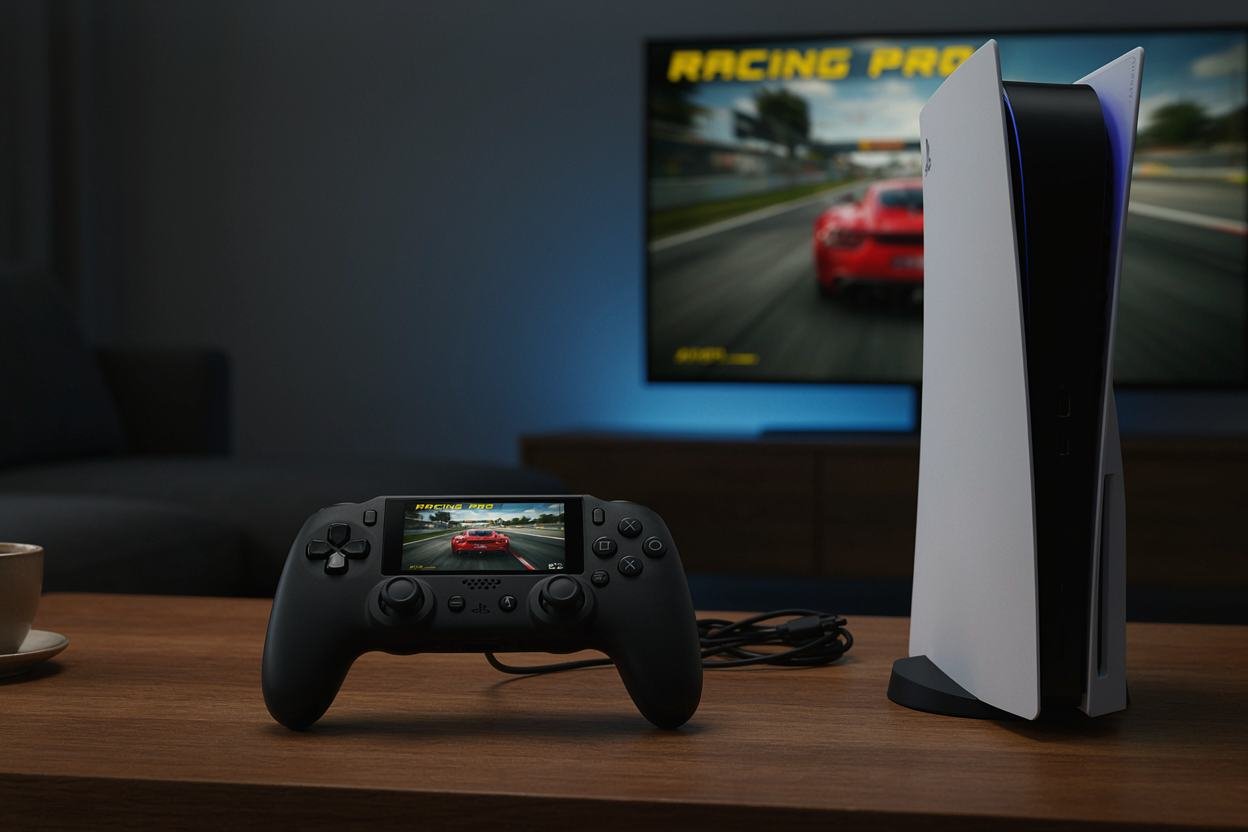
The PlayStation Portal makes the most sense when your PS5 is already excellent, and your television is the problem. Someone is watching it. You want to play in bed. The living room is occupied. You do not need another console. You need the PS5 to stop being tied to one screen.
That is the central point of this PlayStation Portal review: the Portal is a brilliant PS5 accessory when you actually need remote play, but a poor substitute for a conventional standalone handheld. Its value comes from convenience, not from replacing the hardware underneath it.
Sony has also expanded the device since launch. The current official product page supports PS5 Remote Play and Cloud Streaming with PlayStation Plus Premium, while a March 2026 update added a 1080p High Quality mode.
Screen And Controls Make It Feel Like A Real Handheld
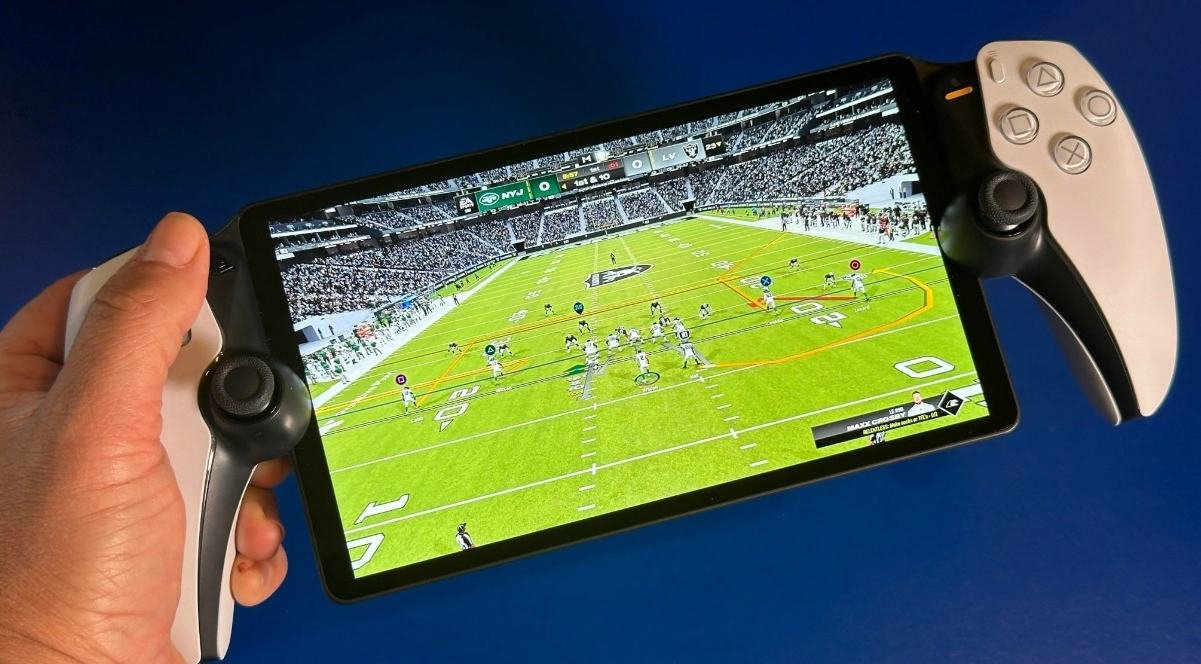
The Portal has an 8-inch full HD LCD screen and supports up to 60fps at 1080p. Its controls are built around the familiar DualSense layout, comprising adaptive triggers and haptic feedback features supported by compatible games.
That matters more than it sounds. A generic phone controller can make remote play possible, but the Portal feels like a device designed around PlayStation games. The screen is large enough for detailed interfaces, while the controls retain the muscle memory of a PS5 controller.
Remote Play Is Still The Main Reason To Buy It
Remote Play is the Portal’s strongest use case. You connect it to a paired PS5 over Wi-Fi and play games installed on the console. Sony says a PlayStation Plus membership is not required for Remote Play.
Picture the practical scenario: your partner is watching a movie in the living room, but you want to finish a side quest. Instead of moving the PS5 or fighting over the TV, you pick up the Portal. That is the problem this device solves exceptionally well.
Cloud Streaming Gives The Portal A Bigger Role
Since November 2025, PlayStation Plus Premium members have been able to stream select PS5 games directly from the cloud, including compatible games from their own digital library and supported catalog titles.
That means the Portal is no longer strictly dependent on your PS5 being available for every session. You still need a suitable internet connection and an eligible game and subscription, but the device now has a wider role.
The March 2026 Update Actually Matters
Sony’s March 2026 software update launched 1080p High Quality mode for Remote Play and Cloud Streaming. Sony says the mode uses a higher bitrate than the standard 1080p setting.
This is the kind of update that makes an old review less useful. The Portal is a software-dependent product, so its capabilities can change after purchase.
The Weakness Is Still Your Network
The Portal cannot manufacture a good Wi-Fi connection. If your home network has dead zones, congestion, or unstable latency, the device will show you those problems immediately.
Test the Portal in the exact rooms where you plan to use it. A perfect connection beside the router tells you little about how it will behave from a bedroom upstairs or a patio at the back of the house.
It Is Not A Steam Deck Replacement
Do not buy the Portal expecting the flexibility of a PC handheld. It is built around PlayStation services and PS5 access. You are not installing arbitrary PC games or turning it into a general-purpose computer
That limitation is also why the device can be so pleasant. There is less configuration. You pick it up, connect, and play. If your gaming life already revolves around PS5, that narrow focus is a feature.
Who Should Buy The PlayStation Portal
Buy it if you already own a PS5, regularly lose access to your TV, and value a comfortable dedicated controller with a large screen. It is especially useful for households where the television is shared.
Skip it if you want a completely independent handheld library, mostly play PC games, or have excellent access to your PS5 television every time you want to play.
Make The Rest Of The Setup Work With It
If you are building a wider gaming space, building the ultimate gaming rig on a budget is a useful place to start. For accessories, gaming accessories worth adding to your setup help separate useful upgrades from desk clutter.
If your PS5 shares a display with a PC, connecting a PS5 to a PC monitor gives you another option when the main TV is occupied.
Quick Checklist
- Own a PS5 before buying the Portal for Remote Play.
- Test Wi-Fi in the rooms where you will actually play.
- Use 1080p High Quality mode if your connection supports it.
- Remember that Cloud Streaming requires PlayStation Plus Premium and supported games.
- Expect a dedicated PS5 experience, not a general-purpose handheld.
- Use Remote Play when your PS5 is the main source of games.
- Choose another handheld if you need an independent game library.
Closing Thoughts
This PlayStation Portal review comes down to one question: do you need your PS5 to leave the television? If yes, the Portal is one of the cleanest answers available. Its 8-inch screen, familiar controls, Remote Play support, and expanding Cloud Streaming features make it more capable than the first pitch suggested
If you want a standalone handheld, buy something designed for that job. If you want your PS5 to become usable in more rooms of your home, the Portal makes much more sense.
It is not a second PS5. It is the screen your first PS5 was missing.
The Portal earns its place by freeing your PS5 from the TV.