
Electron Dash: How to Play, Controls and Tips to Go Further

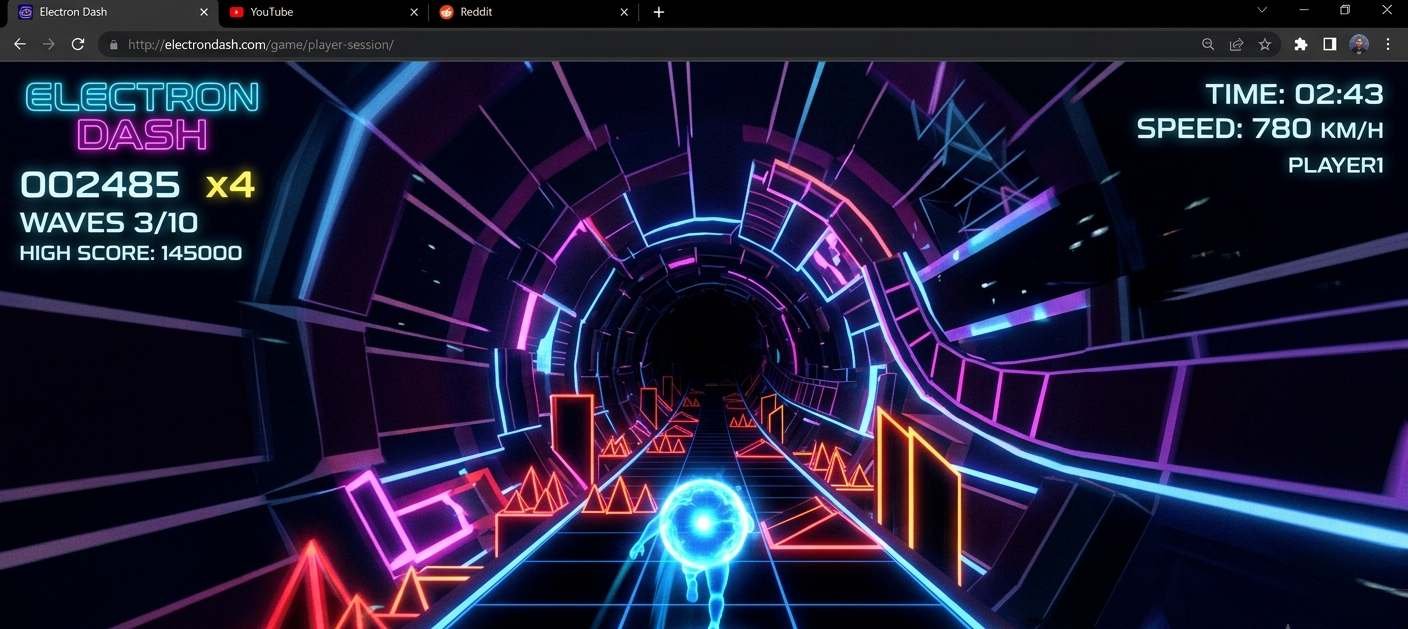
Electron Dash is a free browser-based endless runner where you control a glowing electron speeding through a dark, geometric tunnel packed with barriers. The goal is simple: survive as long as possible. The execution gets genuinely difficult within the first thirty seconds. Here is everything you need to play Electron Dash and go further than your last run.
What Is Electron Dash
Electron Dash is a free online arcade runner game built for the browser. You play as a small glowing electron moving through an abstract neon tunnel at increasing speed. The tunnel generates new obstacle patterns continuously — there is no fixed endpoint or level structure. Your only objective is to travel as far as possible before hitting something.
The game is available on multiple browser game hosting sites, including Coolmath Games, where it has built a consistent player base. It requires no download, no account, and no installation. You open the page, and the game starts immediately. Electron Dash runs on desktop and mobile browsers, with the desktop version offering more accurate control through keyboard input.
The appeal is the same as any well-made endless runner: sessions are short, the feedback loop is immediate, and the combination of increasing speed and procedurally generated obstacles creates a different challenge each run. Electron Dash specifically earns its reputation because the obstacle patterns feel genuinely varied rather than repetitive.
How to Play Electron Dash
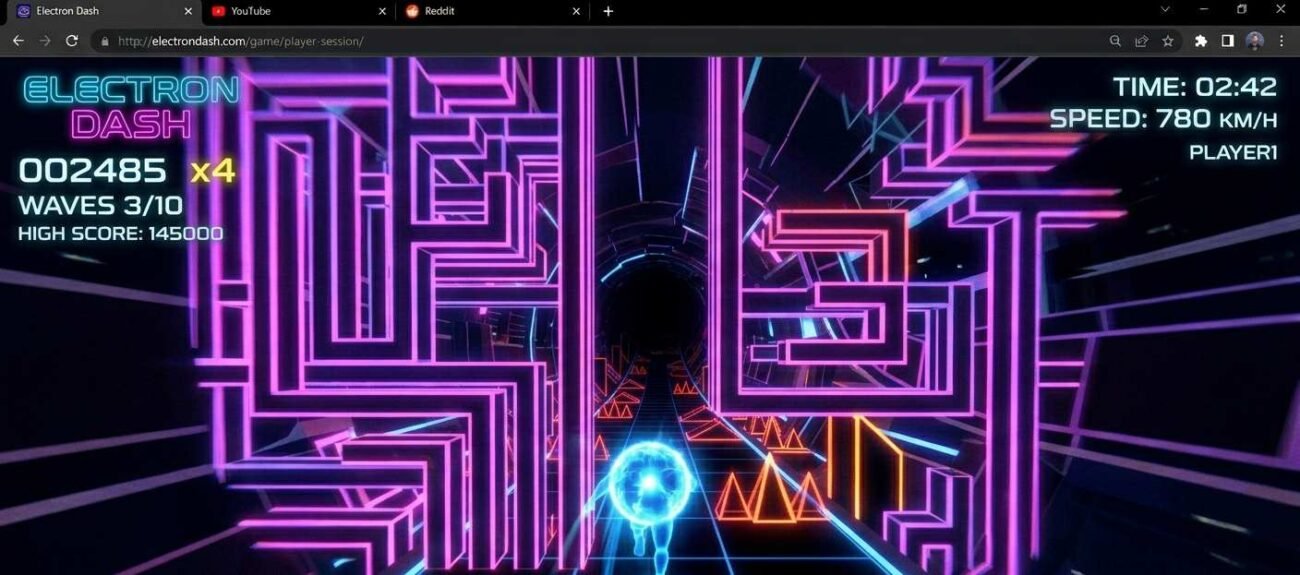
The gameplay mechanic is simple. Your electron moves forward automatically at a constant speed that increases over time. You control only its lateral position—left, right, or center—to navigate through gaps in the obstacle barriers that appear across the tunnel.
| Platform | Control | Action |
| Desktop | Left arrow key or A | Move the electron left |
| Desktop | Right arrow key or D | Move electron right |
| Desktop | Spacebar | Some versions: pause or restart |
| Mobile | Tap the left side of the screen | Move the electron left |
| Mobile | Tap the right side of the screen | Move electron right |
The obstacle patterns in Electron Dash are generated in segments. Each segment features a new arrangement of barriers with a gap your electron must pass through. Early segments give you a wide gap and slow speed—straightforward to navigate. As distance increases, gaps narrow, speeds increase, and segments can chain into series that require multiple direction changes in rapid succession.
Electron Dash does not save runs between sessions. Your score—measured in distance traveled—is displayed at the end of each run, but there is no persistent leaderboard or account-tied record. Each session starts fresh.
Tips to Go Further in Electron Dash

The difference between an average Electron Dash run and a good one usually comes down to a few adjustable habits rather than raw reaction speed.
- Read the gap before you move — each barrier appears with a visible gap before it reaches you. Identify the gap’s position and begin moving toward it early rather than reacting at the last moment.
- Stay centered when in doubt — the center lane covers the most gap positions with the fewest sideways movements; defaulting to center between segments reduces unnecessary repositioning.
- Resist over-correcting — moving too aggressively to one side to avoid an obstacle often puts you in a worse position for the next one; small adjustments beat large swings.
- Watch the tunnel edges, not just the gap — the gap position is clearest when you track where the barriers are rather than where the opening is; it is counterintuitive but effective.
- Play on desktop for longer runs — keyboard inputs are faster and more precise than touch taps, particularly at higher speeds where the margin between success and a collision narrows to frames.
The speed increase in Electron Dash is gradual enough that most players feel comfortable well into a run before the difficulty spikes. The jumps in difficulty tend to happen at specific distance thresholds, around the point where segments start chaining without a clear pause between them. Recognizing that transition and consciously slowing your decision-making to match what the screen is showing, rather than what you expect to see, extends runs significantly.
Is Electron Dash Worth Playing
Electron Dash is a well-executed version of a well-understood format. It does not do anything radical; it is an endless runner with a neon aesthetic and clean mechanics, but what it does, it does without friction. Sessions take two minutes, which is exactly right for a browser arcade game. The obstacle variety is genuine enough that runs do not feel like repetitions of each other, which is the main thing that separates a good endless runner from a forgettable one.
The honest downsides: no save system, no leaderboard, and no progression layer mean there is no external reason to keep playing beyond your own desire to beat your last score. For players who are motivated by progression unlocks or social comparison, Electron Dash offers nothing. For players who just want to focus on the run, that simplicity is a feature rather than a limitation.
For more free browser arcade games with similar short-session appeal, check our browser games hub. For other no-download runner games, see our
Frequently Asked Questions
Where can I play Electron Dash for free?
Electron Dash is available for free on several browser game platforms. Coolmath Games hosts a well-maintained version that loads reliably on most networks, including school Chromebooks. No account or download is required.
Does Electron Dash work on mobile?
Yes. Electron Dash runs in mobile browsers on both Android and iOS without an app. The touch controls, tapping left or right to move the electron, work functionally, though the desktop keyboard version is more precise at higher speeds. For casual runs, the mobile version is perfectly playable.
Is there a high score or leaderboard in Electron Dash?
No. Electron Dash does not include a persistent leaderboard or cross-session score tracking. Your distance score is displayed at the end of each run but is not saved anywhere. If you want to track your personal best, you will need to note it down manually. Some hosting sites display a session-specific score at the top of the game window during play.
Why does Electron Dash get harder so quickly?
The speed increase in Electron Dash is intentional and progressive; the game is designed as an endless runner where survivability degrades over time. The difficulty spike most players notice is when the gap between obstacle segments shortens enough that you cannot coast between barriers. This typically happens around the 500 to 700 distance mark, depending on the version. It is the core design of the genre: survival long enough to feel the difficulty escalation is the goal.
Conclusion
Electron Dash is the kind of game you open for two minutes and close fifteen minutes later. The mechanic is tight, the obstacle variety keeps it honest, and the speed escalation gives you a real reason to improve. Start centered, read the gap early, and resist the urge to overreact to the first obstacle in a sequence.