
Gnome Game: What It Is and How to Play

The term ‘gnome game’ does not point to a single title; it covers several different browser games featuring gnome characters among different genres. The most commonly searched gnome game is a catapult-style distance game, but there are also gnome adventure games, gnome idle games, and gnome puzzle titles, all free to play in a browser. Here is what each one is and how to get into them.
What Is the Gnome Game
‘Gnome game’ is an informal search term that different players use to mean different things. The broadest meaning is simply any browser game featuring gnome characters, small, fantasy folk typically depicted as bearded, hat-wearing creatures living in gardens or forests. The category covers several distinct game types that share the gnome theme but play completely differently from each other.
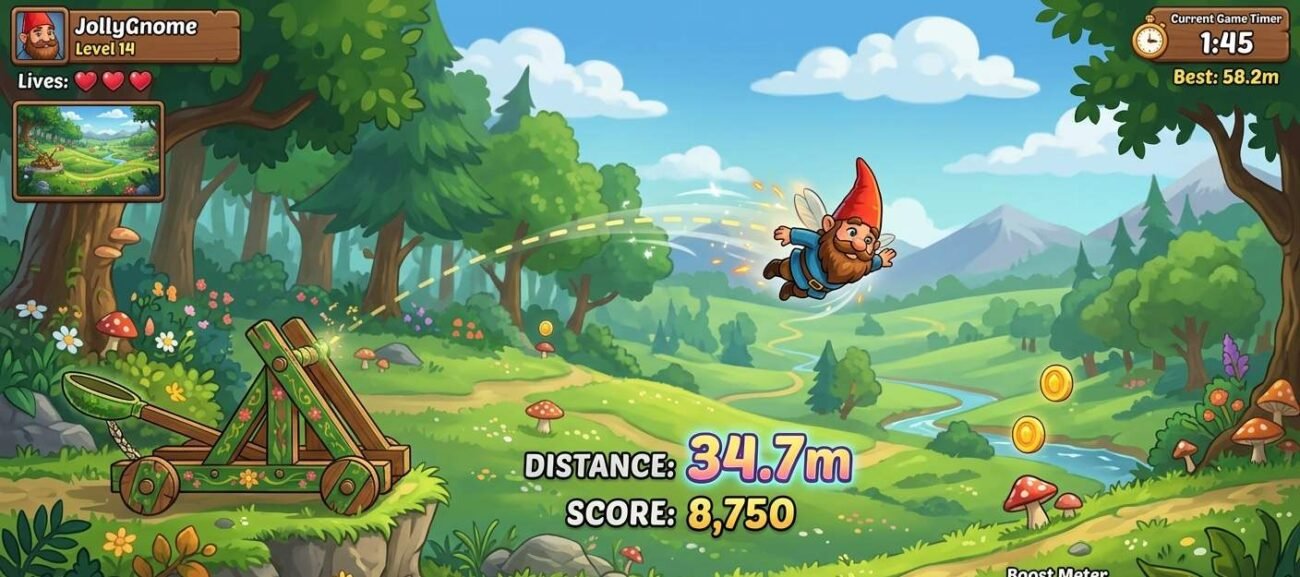
The most popular single gnome game in search terms is a catapult-style launcher game, usually called Gnome Catapult or Garden Statue Catapult, where the goal is to launch a gnome as far as possible using angle and power settings. This is the game most people who land on browser game sites are looking for.
Beyond the launcher format, gnome games include idle clicker games where you manage a gnome settlement, adventure games where you guide a gnome through puzzle levels, and casual platformers where a gnome is the player character. All of these are free to play in a browser without an account or download.
The Most Popular Gnome Games to Play Free
Garden Gnome Catapult
Garden Gnome Catapult is the gnome game most players are looking for when they search for the term. The mechanic is simple: you set a launch angle and apply power to a catapult, then watch your gnome fly as far as possible. Distance is your score. Some versions add mid-flight bonuses — hitting floating targets or bouncing off platforms to extend the distance.
The appeal is the same as any launcher game: each run takes about 30 seconds, the variables are simple enough to experiment with quickly, and improving your distance requires real understanding of the angle-power relationship rather than luck. The gnome art style gives it a personality that generic ball-launcher games lack.
- Genre: Distance launcher
- Controls: Mouse — click and drag or use sliders to set angle and power
- Session length: 1–5 minutes
- Best for: Quick sessions, players who enjoy iterative improvement
Gnome Idle and Clicker Games
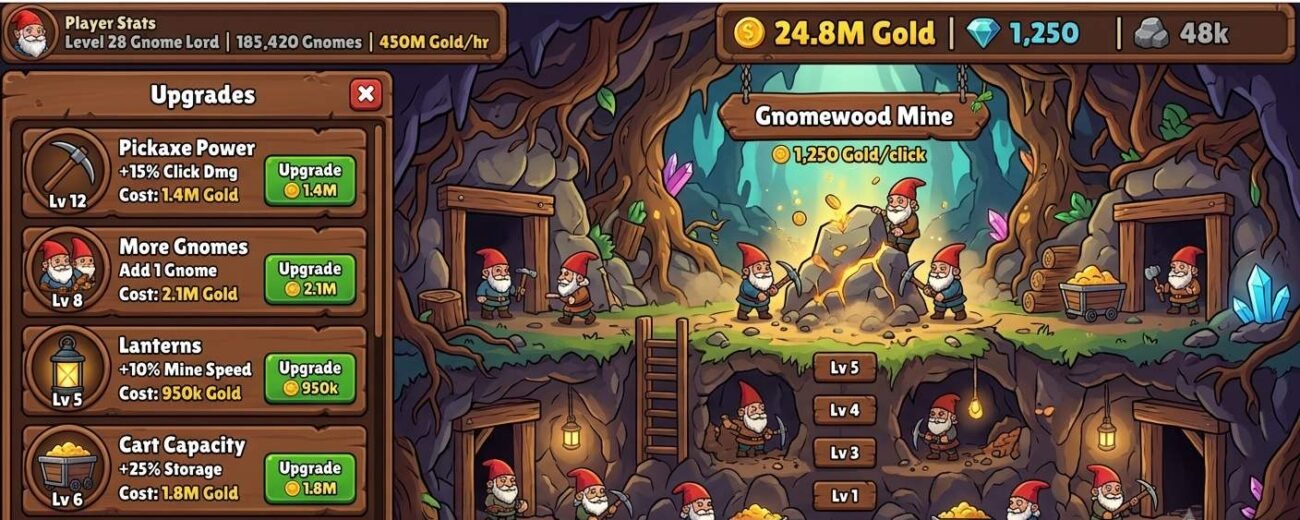
Several idle and clicker games use gnomes as their central theme. In these titles, you typically manage a growing gnome community, clicking to gather resources, spending resources on upgrades that automate gathering, and progressively obtaining new gnome types, buildings, or abilities. The loop is the same idle clicker formula, but the gnome aesthetic gives it a fantasy charm that suits the format well.
Gnome idle games work particularly well as browser games because idle mechanics are forgiving of interrupted sessions; you can close the tab, come back later, and find your gnomes have continued accumulating resources in your absence. This makes them a natural fit for school or work breaks where sessions are unpredictable.
- Genre: Idle clicker
- Controls: Mouse — click to gather, click to upgrade
- Session length: Open-ended, check-in style
- Best for: Players who enjoy progression systems, idle game fans
Gnome Adventure and Puzzle Games
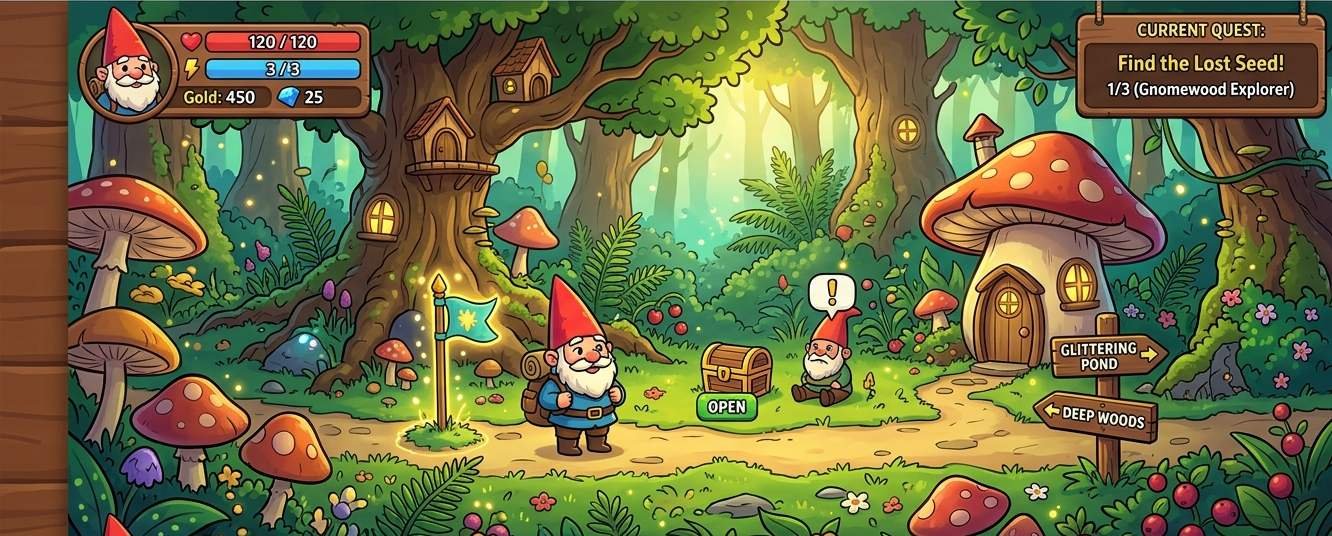
A smaller category of gnome games puts the character in adventure or puzzle scenarios. These typically involve guiding a gnome through a series of levels, solving environmental puzzles, collecting items, or reaching a goal while steering clear of obstacles. The gnome theme is mostly aesthetic in these titles; the puzzle or platformer mechanics would work with any character, but the gnome art direction gives them a comfortable, low-stakes feel that suits the relaxed format.
Gnome adventure games are the least uniform subcategory; quality and gameplay differ greatly between titles. The best way to find a good one is to search on a curated platform like CrazyGames or Poki, where game quality is filtered before listing.
- Genre: Puzzle, platformer, adventure
- Controls: Arrow keys or mouse, varies by title
- Session length: 10–30 minutes, depending on level count
- Best for: Players who want more structure than a launcher or idle game
| Gnome Game Type | Core Mechanic | Session Length | Free? |
| Garden Gnome Catapult | Launch gnome for maximum distance | 1–5 min | Yes |
| Gnome Idle Game | Manage gnome village, click to upgrade | Open-ended | Yes |
| Gnome adventure | Guide gnome through puzzle levels | 10–30 min | Yes |
| Gnome platformer | Control gnome through obstacle courses | 5–20 min | Yes |
Where to Play Gnome Games for Free
All of the gnome game types described above are available for free in a browser without downloads or accounts. The best places to find them depend on which type you want.
- Garden Gnome Catapult — search the title directly on CrazyGames or Poki for reliably hosted versions with good load speeds.
- Gnome idle games — search ‘gnome clicker’ or ‘gnome idle’ on Coolmath Games or Miniclip for curated versions
- Gnome adventure and puzzle games — use the search function on any major browser game platform and filter by ‘fantasy’ or ‘gnome’ in the tags
For more free browser games across fantasy and casual genres, check our casual games section. For idle and clicker games specifically, see our
Tips for the Garden Gnome Catapult
The Garden Gnome Catapult is the gnome game most players want to improve at, so here are the tips that make the most difference.
- 45 degrees is not always optimal — the standard physics advice is to launch at 45 degrees for maximum distance, but many gnome catapult games add wind resistance or terrain that shifts the optimal angle. Start at 45, note where you land, then experiment 5 degrees above and below to find the true sweet spot for that version.
- Max power is not always max distance — some versions reduce distance at full power because the gnome hits the ground at a steep angle rather than arcing. Test mid-range power settings.
- Hit mid-air bonuses deliberately — if the game has floating targets or bounce pads, trajectory planning around them extends distance more than raw launch power.
- Watch the arc, not the gnome — tracking where the peak of the arc is tells you more about where the gnome will land than watching the gnome itself.
Frequently Asked Questions
What is the most popular gnome game online?
Garden Gnome Catapult is the most searched and most played gnome game in the browser gaming space. The catapult launcher mechanic, set angle and power, launch gnome, maximize distance, is simple enough for anyone and satisfying enough to keep players experimenting across runs. It is the game most people mean when they search the term.
Are gnome games free to play?
Yes. All major gnome game variants, the catapult, idle, adventure, and platformer types, are available for free in the browser with no account or download required. They are hosted on standard browser game platforms and follow the same free-to-play model as any HTML5 casual game.
Do gnome games work on mobile?
Most do. Garden Gnome Catapult versions built in HTML5 work on mobile browsers with touch controls replacing the mouse interaction. Gnome Idle games work particularly well on mobile because the tap-to-click mechanic translates directly. Adventure and platformer gnome games vary; those using arrow key controls may require a Bluetooth keyboard or on-screen button overlay on mobile.
Is there a gnome game with a story or progression?
Yes — gnome adventure and puzzle games offer level-based progression with narrative context. The depth varies between titles, but the best examples have 20 to 40 levels with increasing puzzle complexity and a light story framing the gnome’s journey. Search for ‘gnome adventure’ on a major browser game platform and sort by rating to find the most complete examples currently available.
Gnome games cover more ground than the search term suggests. The catapult launcher is the classic pick for a quick session, the idle games are built for check-in play, and the adventure titles offer more structure when you want something with actual levels. All of them are free, and all of them start in under a minute.