
Gba Emulator And Games: The Smart Way To Play Game Boy Advance Classics

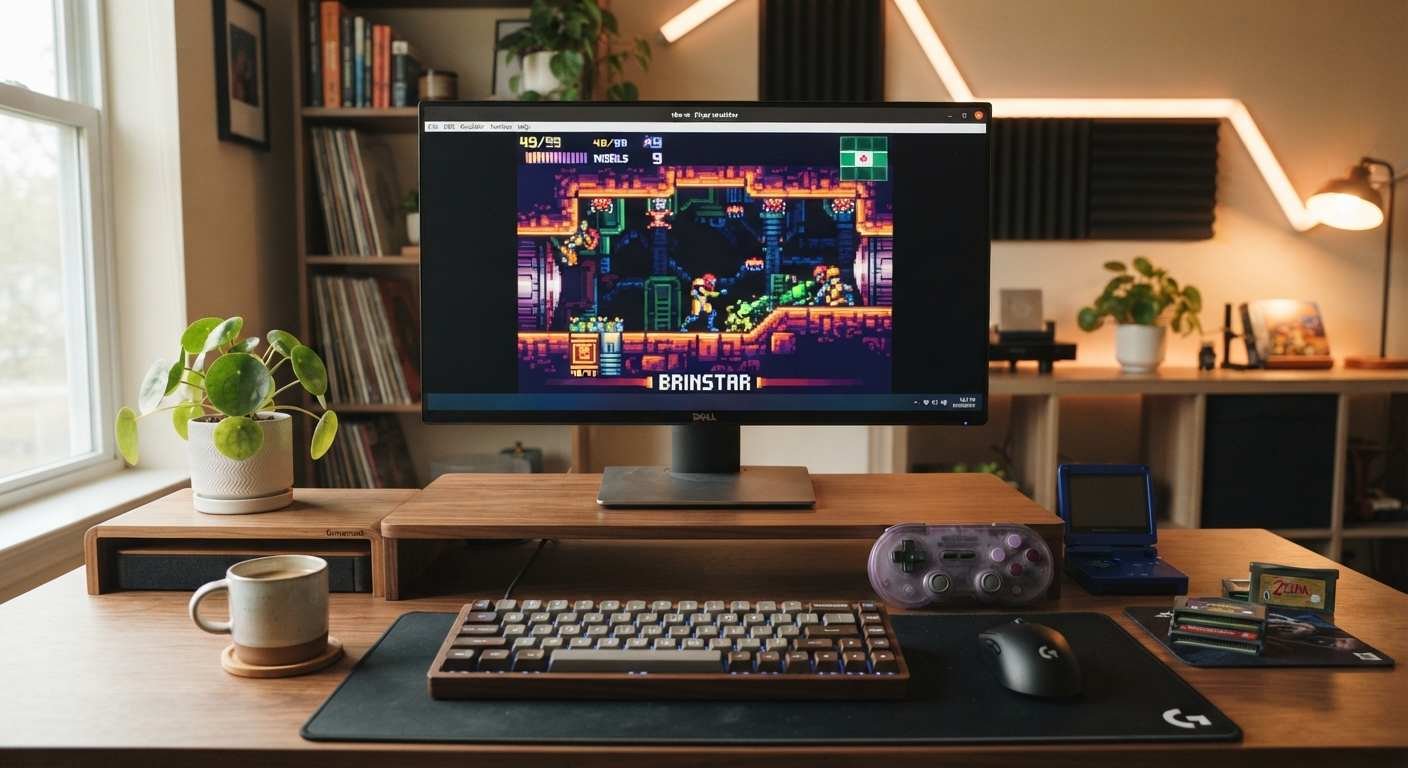
There is a reason Game Boy Advance games still feel right on a modern screen. They were built around short sessions, readable controls, strong soundtracks, and hardware that never asked you to wait for a giant install.
The trick is choosing the right emulator instead of downloading the first program that appears in a search result. For most desktop players, I would start with mGBA. It is open source, actively maintained, available for Windows, macOS, and Linux, and its official FAQ says GBA compatibility is very good.
That makes a gba emulator and games setup less complicated than it sounds. You need a reliable emulator, a sensible controller setup, and games you are legally entitled to use.
Why mGBA Is The Best Starting Point For Most Players
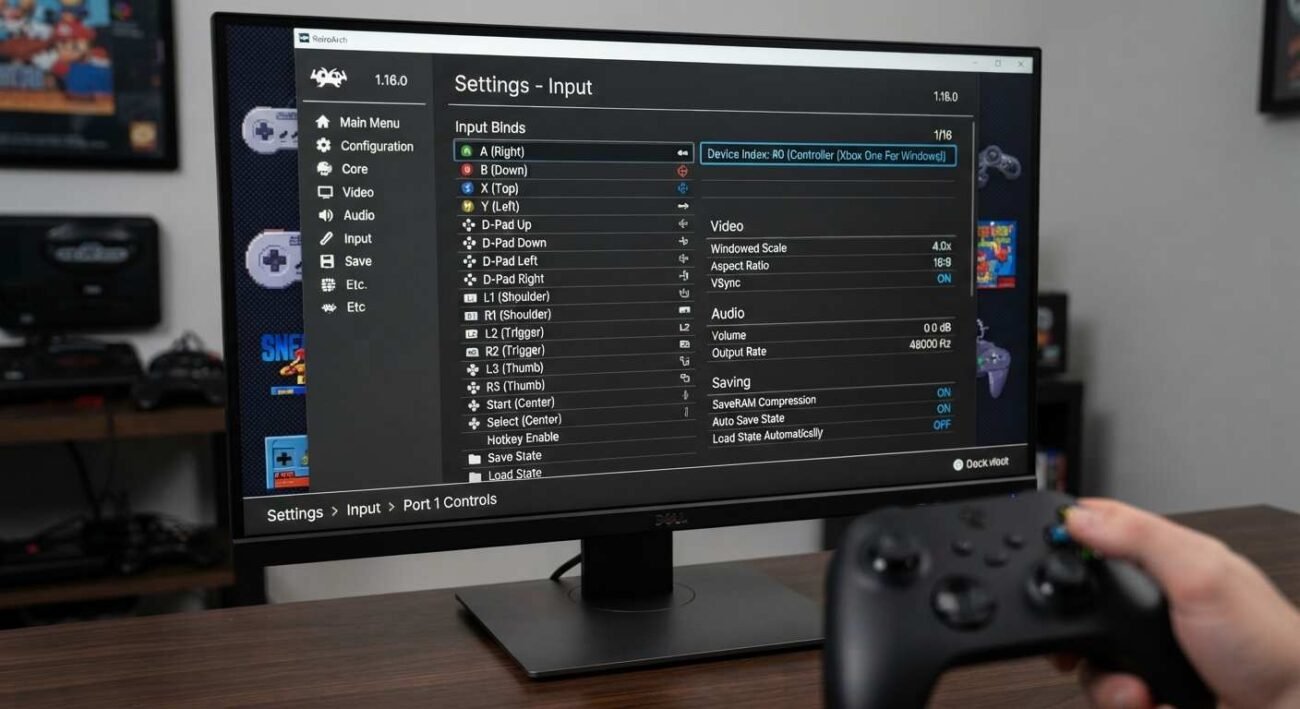
The mGBA project was designed to run Game Boy Advance software accurately without demanding powerful hardware. Its current official download page lists version 0.10.5 and provides desktop builds for Windows, macOS, Linux, and other platforms.
That matters because the best gba emulator and games experience is not the one with the most filters or menus. It is the one that starts quickly and stays out of your way.
mGBA also supports save states, screenshots, controller input, and other practical features. Its FAQ says GBA emulation is very good, with known bugs but no games that simply fail to boot.
If you are new to gba emulator and games setups, that combination of compatibility and simplicity is exactly what you want.
The Game Boy Advance Library Still Has Plenty To Offer
Nintendo launched the Game Boy Advance in 2001, so this is not a tiny library built around a handful of famous games. The system had platformers, role-playing games, racing games, strategy titles, puzzle games, and handheld versions of larger franchises.
For a gba emulator and games collection, start with games that show what the hardware did well. Metroid Fusion is a strong choice for atmospheric exploration. The Legend of Zelda: The Minish Cap shows how well the GBA could handle compact adventure design. Mario Kart: Super Circuit demonstrates how much racing depth could fit into a handheld format.
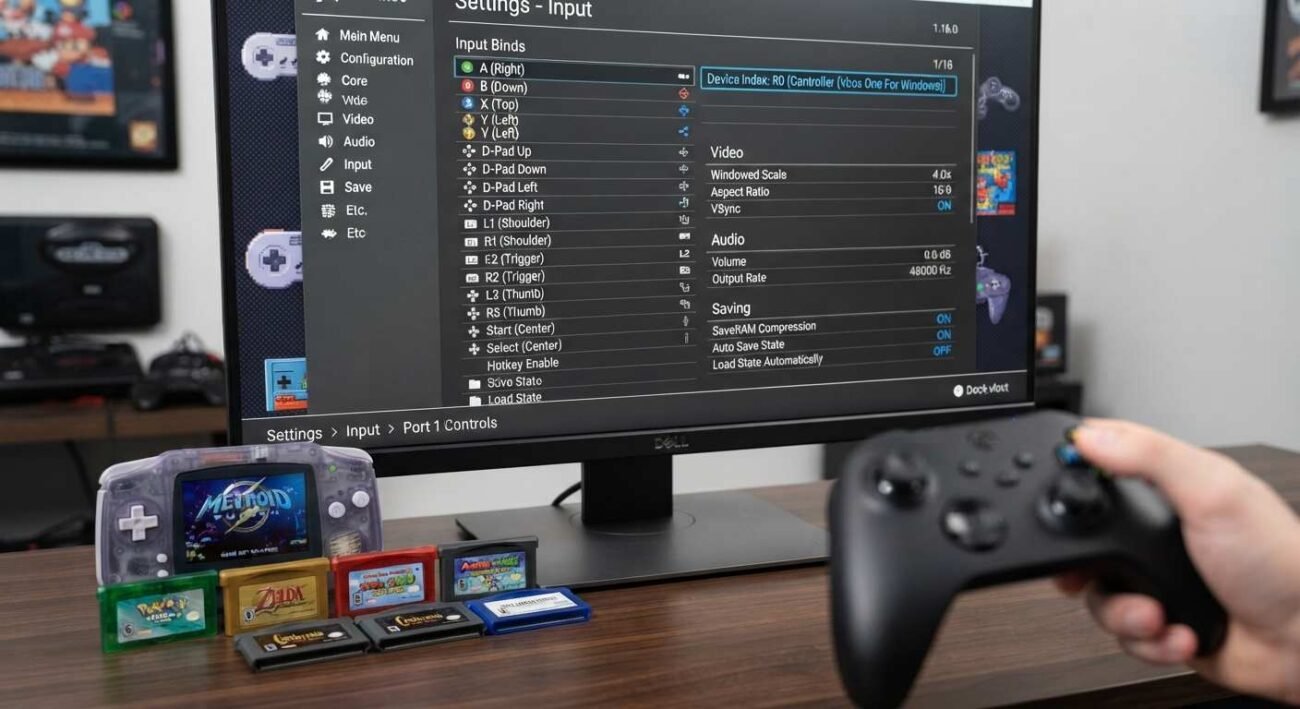
Nintendo’s support library still hosts official Game Boy Advance system and game manuals, including manuals for The Minish Cap and Mario vs. Donkey Kong.
Choose Games For The Experience, Not The ROM Folder
A common mistake is building a giant folder of gba emulator and games files and then playing almost none of them. You are better off choosing five or six games with different strengths.
Try one platformer, one role-playing game, one racing game, one puzzle title, and one slower adventure. That gives you something for different moods without turning your library into digital clutter.
For example, Metroid Fusion works when you want focused exploration, while Mario Kart: Super Circuit is much easier to pick up for a short session. The difference matters more than owning hundreds of files.
Set Up The Emulator Around How You Actually Play
Do not copy a complicated settings guide just because someone online says it is optimal. Start with sensible scaling, normal audio, and a controller layout that feels close to the authentic handheld controls.
If you use a keyboard, put the face buttons in a compact cluster and keep shoulder buttons easy to reach. If you use a controller, map the GBA layout rather than forcing an unfamiliar arrangement.
The first five minutes of a gba emulator and games setup should be spent making controls comfortable. Visual filters can wait.
Save States Are Useful, But Do Not Abuse Them
Save states are one of the best features in a gba emulator and games setup because they remove the need to replay an entire section after a mistake. They are especially handy when you have only twenty minutes to play.
But I would still use the game’s normal save system whenever possible. A normal save behaves like the standard game and is less dependent on one emulator’s state format. Use save states as a convenience, not as your only backup.
The Legal Line Is Simpler Than The Internet Makes It
Emulators and game files are often discussed as if they are the same thing. They are not. An emulator is software that reproduces another platform’s behavior. The game file is separate, and copyright rules apply to that software.
Nintendo’s official piracy FAQ says unauthorized copies of Nintendo games distributed online are illegal and specifically discusses ROMs as unauthorized copies when they are pirated game files.
Nintendo’s guidance also says downloading a Nintendo ROM from the internet is illegal even if you own the authentic game. Local laws can vary, so do not assume that owning a cartridge automatically gives you a universal right to download any copy from a website.
Keep Your Game Library Clean And Verifiable
A safe retro setup is easier to manage when you know at which each file came from. Avoid random download pages that bundle game files with installers, browser extensions, or suspicious executables.
Use the official mGBA download page for the emulator itself. The project currently provides installers and portable builds for supported desktop systems.
For games, stick to copies and sources you are legally permitted to use. If you own original cartridges and your local law allows personal-format shifting, research the rules that apply where you live before creating your own backups.
Make A GBA Setup Feel Like A Real Gaming Station
A GBA emulator does not need a huge gaming room. A compact controller, comfortable chair, decent headphones, and a monitor with sensible scaling can be enough.
If you are upgrading around the emulator, start with the things your hands and eyes use every minute. Choosing gaming accessories that improve a retro setup is a better investment than buying decorative gear you will forget after a week.
You can also keep a dedicated controller profile for your gba emulator and games so that launching a title does not require remapping buttons every time.
What Makes A Good GBA Game Today
Age alone is not a good filter. The strongest GBA games still work because their design is compact.
A game like The Legend of Zelda: The Minish Cap gives you exploration, puzzles, combat, and progression free of demanding dozens of hours before the fun starts. Mario Kart: Super Circuit is different, but its short races make it ideal for quick sessions.
That is the real appeal of gba emulator and game setups in 2026. You can revisit games designed for portable play without making them into a full-time hobby.
Build A Small Collection Instead Of A Digital Warehouse
My recommendation is simple: keep your first collection under ten games. Pick titles you genuinely expect to play, organize them by genre, and keep your saves backed up.
This also makes a budget setup easier. You do not need a powerful gaming PC to emulate GBA hardware. Spend your money on comfort, a controller, storage, or a better display instead. A focused gba emulator and games collection is easier to maintain than a giant archive.
- The simplest gba emulator and games setup is usually the one you will actually use.
- A good gba emulator and games library should feel curated, not endless.
- Your gba emulator and games settings should stay simple until you know what needs changing.
- Controller comfort matters more than visual effects in a gba emulator and games setup.
- Good audio makes a gba emulator and games session feel much closer to the authentic hardware.
- The right gba emulator and games setup also makes short evening sessions easier.
- Keep your gba emulator and games files organized by title and platform.
- Back up your saves if a gba emulator and games collection becomes part of your routine.
- For most players, a gba emulator and games setup can run on ordinary modern hardware.
- Do not let a gba emulator and games setup become a project that is harder than the games.
- With a sensible controller, gba emulator and games can feel remarkably natural on a PC.
- That is why I prefer a simple gba emulator and games setup over a feature-heavy front end.
Quick Checklist
- Start with the official mGBA build for your platform.
- Use a controller layout that corresponds to the GBA button arrangement.
- Begin with simple display settings before adding filters.
- Use normal in-game saves as your primary saves.
- Use save states as a convenience rather than your only backup.
- Keep emulator downloads separate from game files.
- Use game copies you are legally permitted to possess and use.
- Build a small library of games you will actually play.
Closing Thoughts
The best gba emulator and games setup is surprisingly modest. You do not need a complicated front end, a huge ROM collection, or a dozen visual filters. You need an accurate emulator, comfortable controls, sensible settings, and games you have the right to use.
mGBA is the starting point I would recommend because its current release is easy to obtain, works across major desktop platforms, and has strong GBA compatibility. The games themselves are where you should spend your attention. Pick a few classics that still fit your taste instead of collecting files for the sake of collecting them.
Game Boy Advance was built for attentive play. A good modern setup should preserve that simplicity, not bury it under menus.
The best retro setup makes old games feel immediate again, not complicated.
6 thoughts on “Gba Emulator And Games: The Smart Way To Play Game Boy Advance Classics”